How to Download YouTube Videos - FREE
There are a couple of easy ways to download YouTube videos to your PC. One way is to visit a download Youtube video site like download-youtube-videos.org. Just copy and paste the URL of the web page that contains the video into one of these sites, and you get a link to download it. Nothing special, but it works.
Even slicker is with PC-based software - not only will it download the videos, but it will also name them, and even let you convert it to another format in one easy step. We recommend Replay Media Catcher - just open it, click "start recording" and play the video from YouTube you want to capture. The video will get saved automatically, along with something really handy: the NAME of the video. Even better, downloading YouTube videos with Replay Media Catcher is 100% free.
Here's how to Download Videos from YouTube with Replay Media Catcher:
- Go grab a copy of Replay Media Catcher
from Applian Technologies.
- Open Replay Media Catcher. It appears like this:
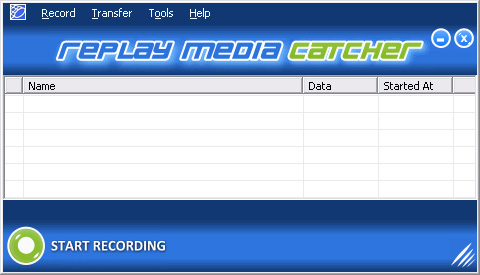
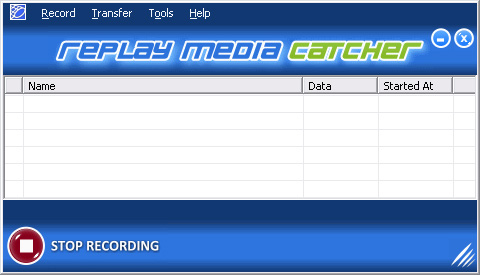
- Click the "Start Recording" button. It will turn red like this:
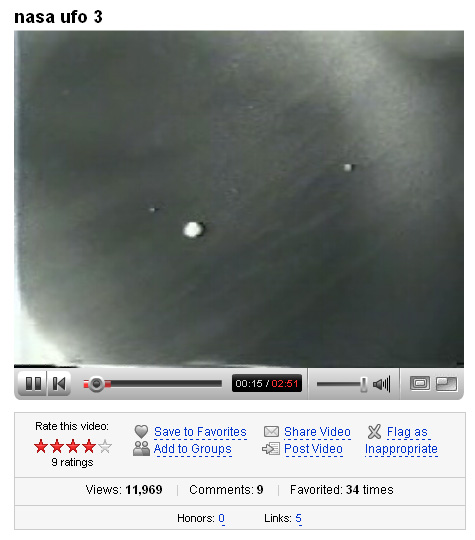
- Go to YouTube and start playing a video like this:
- Replay Media Catcher will start downloading the video automatically once the video starts playing in YouTube. Once it finishes the video download, (usually faster than real time) the video will appear in the Replay Media Catcher main screen like this:
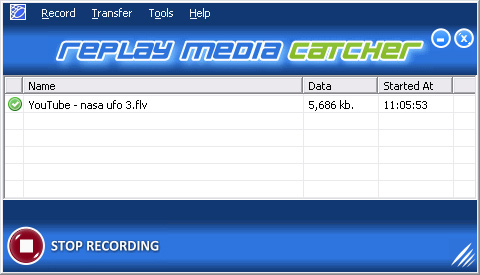
Replay Media Catcher will automatically name the video download for you.
- To play the video just right click on the name of the downloaded video in the main screen, then click "play media" like this:
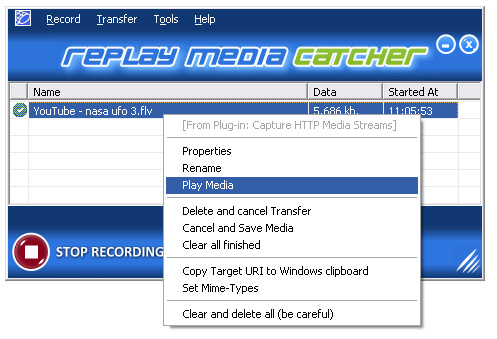
- The video will start playing in the Flash Video player that comes with the program like this:
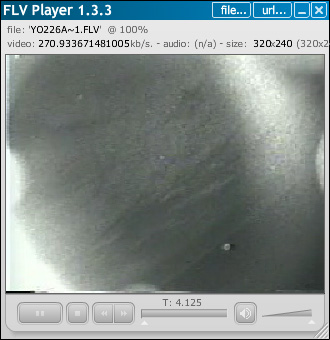
That's all there is to it!
- Replay Media Catcher can download video from YouTube and thousands of other sites. Additionally, Replay Media Catcher can record multiple videos simultaneously. So just load the video you want to download, start playing it and once Replay Media Catcher starts recording you can move on to another video and start recording that too.
It's so easy.
That's all there is to it.
Learn more about downloading YouTube Videos for free with Replay Media Catcher:

Click here to learn more about capturing RTMP/HTTP streaming flash files with Replay Media Catcher
Try YouTubeCatcher.com for downloading YouTube videos.
|